Bring your products, stock and recipes over from a spreadsheet, set up your team, and run Sansflow beside your old till until you trust it. On Plus and Premium, we help with the import.
Most of it is a spreadsheet and a login. Scroll and the list ticks itself off.
01
Export what you sell.
Download your product list from your old POS as CSV or Excel, or fill in our template. It takes English or Indonesian column names: name, variant, category, SKU, barcode, price and cost, plus a price column per outlet if your prices differ.
products.xlsx3 of 4 rows ready to import
name
variant_name
category
sku
price
2
Kopi susu
Large
Drinks
KS-L
22000
Ready
3
Beras 5 kg
Groceries
BR-5
72000
Ready
4
Roti tawar
Bakery
RT-01
15000
Ready
5
Teh botol
Drinks
TB-35
Price missing
02
Import products, stock and recipes.
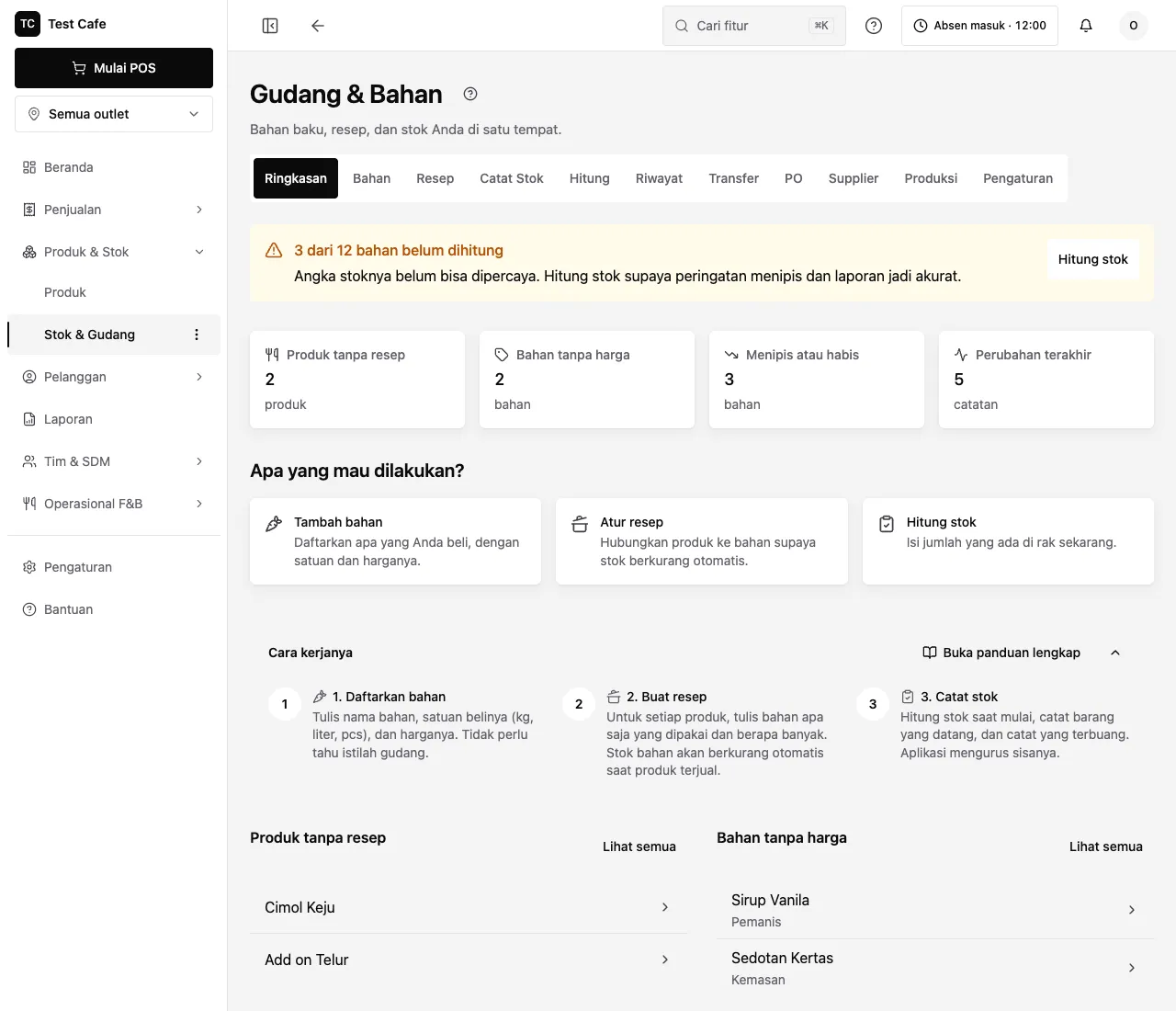
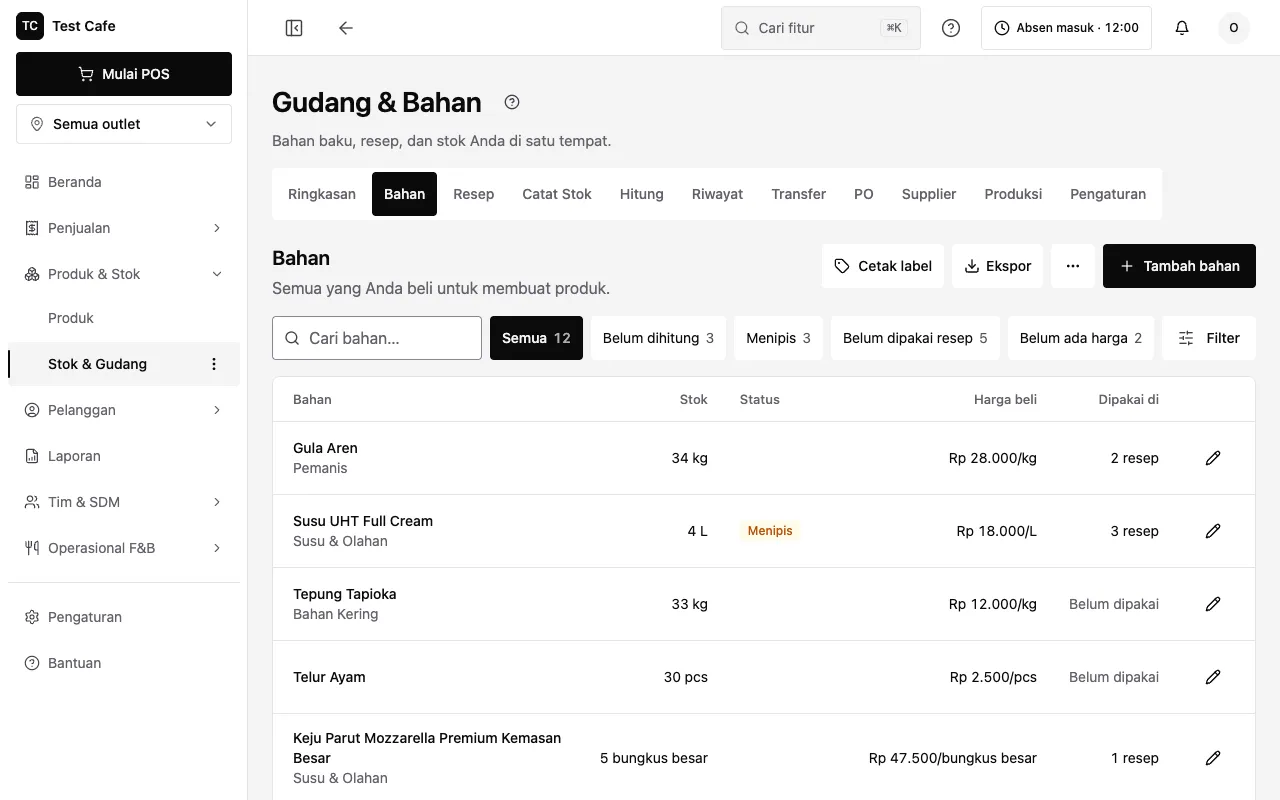
Upload the file and check the preview. Every row is checked before anything is saved; a row with a problem shows the reason, and only the good rows go in. Ingredients bring their stock, unit, cost and low-stock level; recipes link them to what you sell. Up to 5,000 rows a file.
03
Add your team.
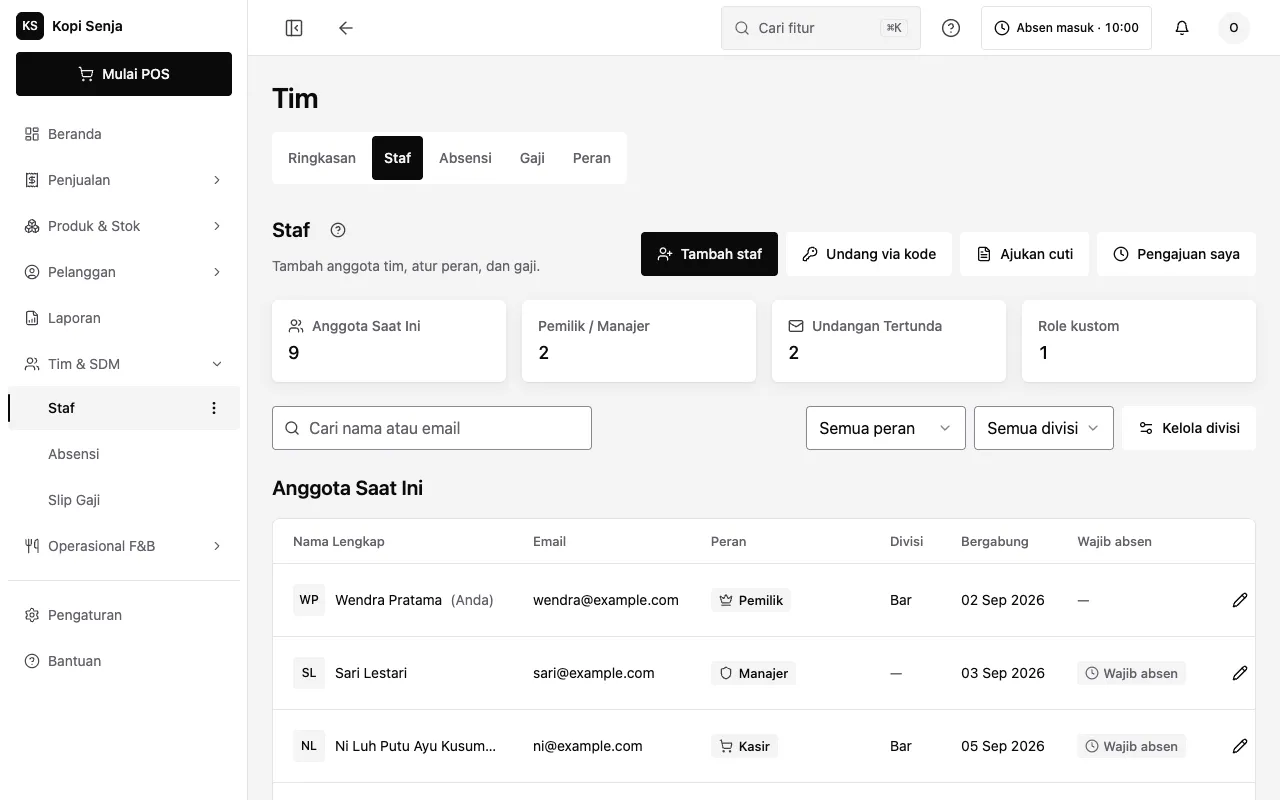
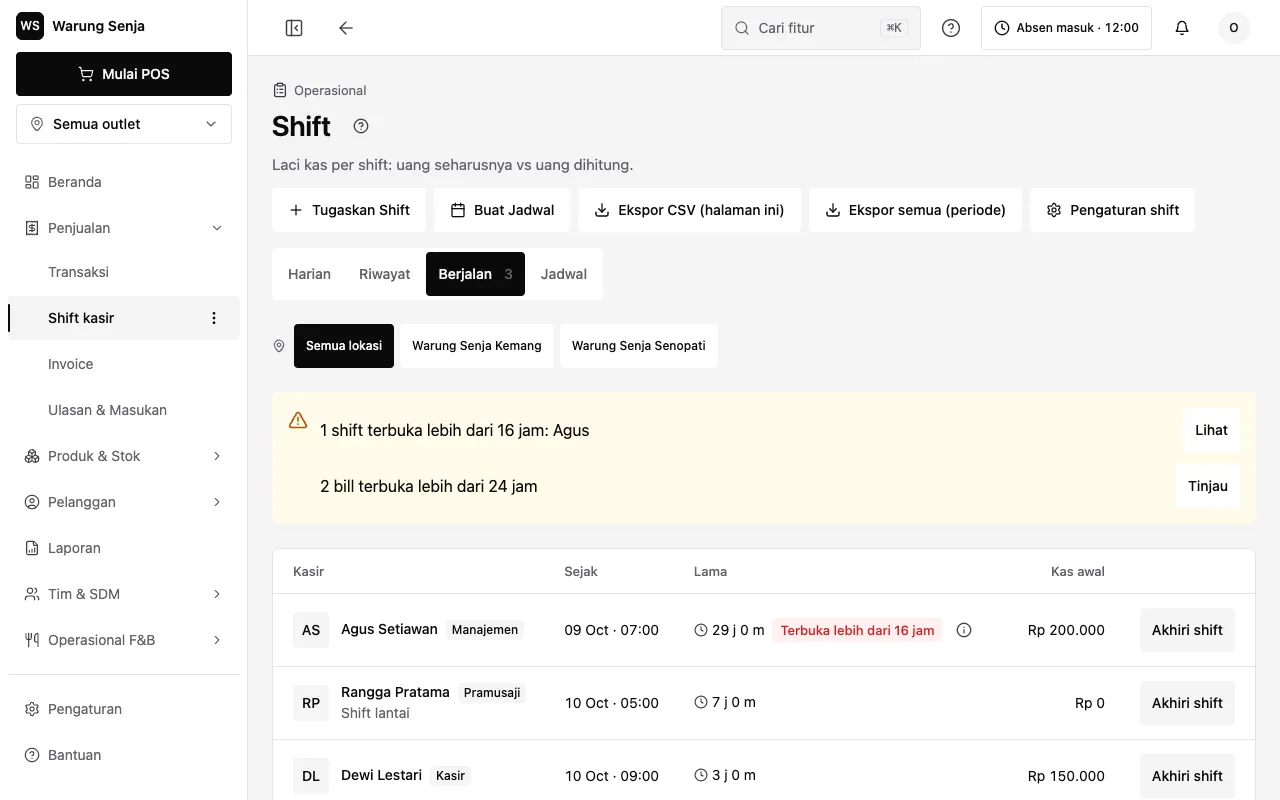
Invite each person and give them a role and a PIN for the till, so every sale and every cash count has a name on it. Sansflow Free has 2 users; Plus and Premium have unlimited users per outlet.
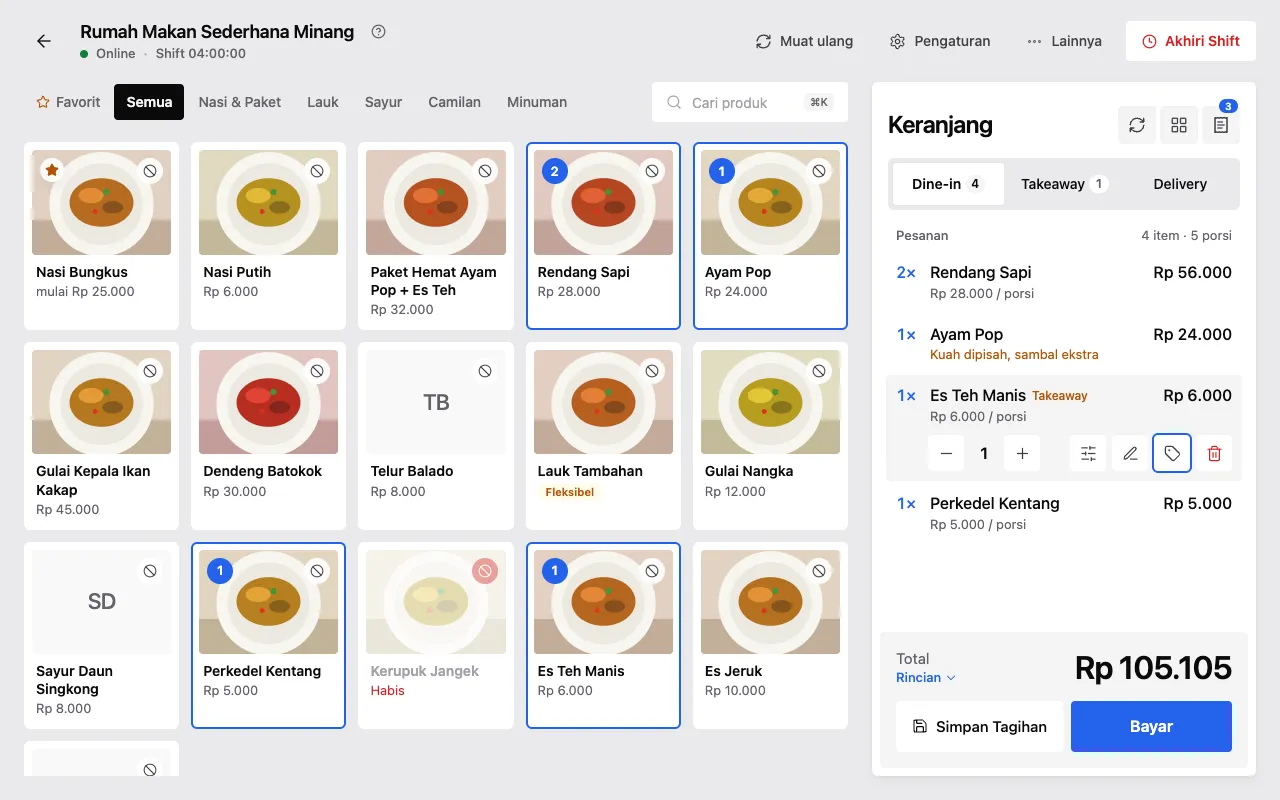
Log in on the tablets, phones and laptops already in the shop and connect the receipt printer. Nothing new to buy, and every screen shows the same data.
Keep the old till for a few days. Ring the same sales into both, count the drawer at closing and compare. When the numbers match, the old one can go.
What comes over, and what starts fresh.
Comes over
Products and their variants
Categories, SKUs and barcodes
Prices and cost, per outlet if they differ
Ingredients with their stock and low-stock level
Recipes that link ingredients to products
Starts fresh
Your sales history: it stays in your old system, so keep its export for your records
Reports: they begin with your first sale on Sansflow
Your team: each person gets a new login, role and PIN
Who helps
You don’t move it alone.
We help with the import
On Sansflow Plus and Premium, send us your old POS export or your spreadsheet on WhatsApp. We check it with you and help bring it in. On Free, the import template and its preview do it yourself in minutes. We’ve imported catalogues of hundreds of items, ingredients and recipes for shops already running on Sansflow.
A call to plan it
Book a short call and we go through your products, your team and your devices with you, and agree what goes in first.
People in Jambi, on WhatsApp
Questions after the switch go to the same team that builds Sansflow, in Bahasa Indonesia or English. Premium adds priority support.
How long it takes.
01
Sign up: minutes
Create the account and your outlet, then ring up a test sale. Sansflow Free is Rp 0 and has no time limit.
02
The catalogue: one upload
A file holds up to 5,000 rows, so a list of hundreds of items goes in with one import.
03
Side by side: your call
Run both tills for as long as you need. Nothing is taken from a sale on any plan.
Plans
Switch on Free.Move up when it pays.
Sansflow Free is Rp 0: transactions and digital payments, products and stock, daily and weekly sales reports, one outlet and 2 users. Plus is Rp 296.000 per outlet a month, with unlimited users, the per-shift recap and several printers. Premium is Rp 508.000 per outlet a month.
Something else? Talk to us and we’ll plan it with you.
Yes. Export your product list as CSV or Excel and import it in Sansflow: names, variants, categories, SKUs, barcodes, prices and cost come along. If the export doesn’t fit, download our template and paste the columns in. Ingredients and recipes import the same way.
Your past sales stay in your old system, so keep its export for your records. Sansflow does not import old sales; its reports start with your first sale on Sansflow.
Yes. Nothing in Sansflow depends on the old system. You can ring the same sales into both for a few days, compare the totals at closing, and switch the old one off when they match.
On Sansflow Plus and Premium, we do: send us your spreadsheet or your old POS export on WhatsApp and we help you import it, or book a short call to plan the switch together. On Sansflow Free you import it yourself with the template, and the preview checks every row before anything is saved.
No. Sansflow runs on the tablets, phones and laptops you already have, in the browser or the Android app, and prints to 58 mm or 80 mm thermal receipt printers.
Nothing to switch. Start on Sansflow Free at Rp 0, with no time limit and no fee per sale. Move to Plus (Rp 296.000 per outlet a month) or Premium (Rp 508.000) when the business needs it.