Download
Install Sansflow on thedevices you already have.
Get the Android app for your tablets and phones, or install Sansflow straight from the browser on an iPad, Windows or Mac. Same account, same data everywhere.
Your download
The right install for this device.
We read which device you are on and open its steps. On another device? Pick it below.
Pick your device to see its install steps.
Android app · Beta 0.26
Get the Android app.
The Android app is the fastest way to run Sansflow on tablets and phones. It is tested and ready; it is in beta only while the Google Play listing is finished. 5.1 MB, Android 7.0 and newer.
- Download the file
- Allow the install
- Install and log in
Bluetooth printing works here
Not on Google Play yet. In Chrome, Sansflow also installs from the browser.
On a computer? Scan this with the Android tablet or phone you sell on and the install opens there.
In Safari
Add Sansflow to the Home Screen.
Sansflow runs in Safari on iPad and iPhone. Add it to the Home Screen and it opens full screen, like an app. Nothing to find in the App Store.
- Open pos.sansflow.com in Safari.
- Tap the Share button.
- Tap Add to Home Screen, then Add.
No Bluetooth printing on this device
Apple’s browsers can’t talk to Bluetooth printers. An iPad makes a great till or kitchen screen; print receipts from an Android device or a computer.
In Chrome or Edge
Install Sansflow on the computer.
One click in Chrome or Microsoft Edge installs Sansflow in its own window with a desktop icon. The back office and the till, with the same login as every other screen.
- Open pos.sansflow.com in Chrome or Microsoft Edge.
- Click the install icon at the right end of the address bar.
- Click Install. Sansflow opens in its own window and gets a desktop icon.
Bluetooth printing works here
Safari on a Mac can add Sansflow to the Dock (File → Add to Dock), but printing needs Chrome or Edge.
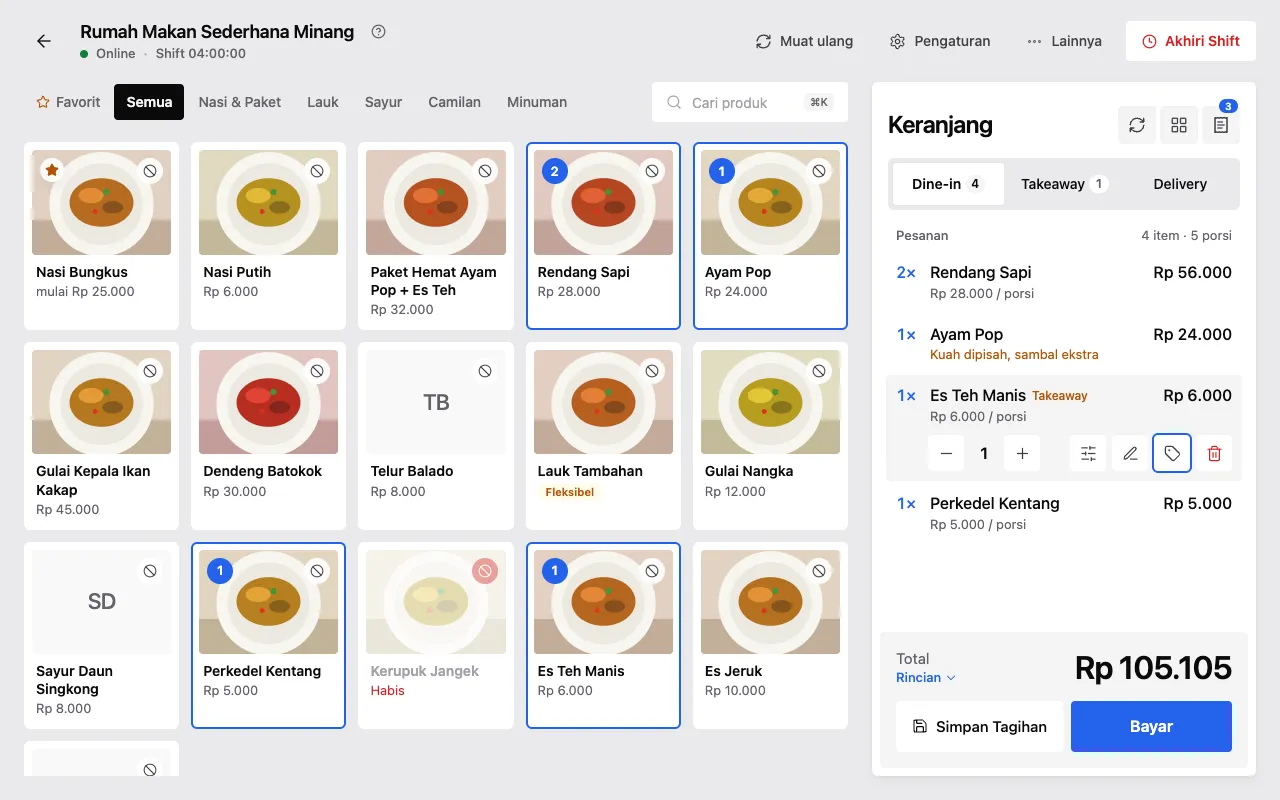
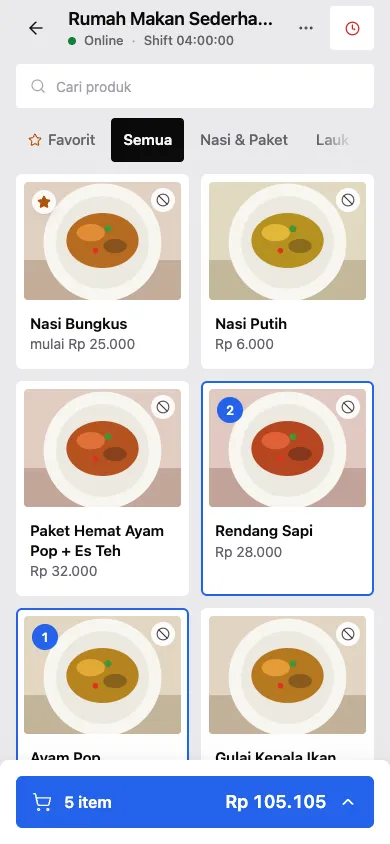
Sansflow for Android · Beta
Every screen in sync, even when the internet is not.
The Android app is the fastest way to run Sansflow on tablets and phones. It is tested and ready; it is in beta only while the Google Play listing is finished.
- Version
- 0.26 beta
- Download
- 5.1 MB
- Works on
- Android 7.0 and newer
That covers almost every Android tablet and phone made since 2016. Not on Google Play yet.
Download for AndroidLocal sync over Wi-Fi
Tills, kitchen screens and phones on the same Wi-Fi pass orders to each other directly, without a trip to the internet and back.
Cloud in near real time
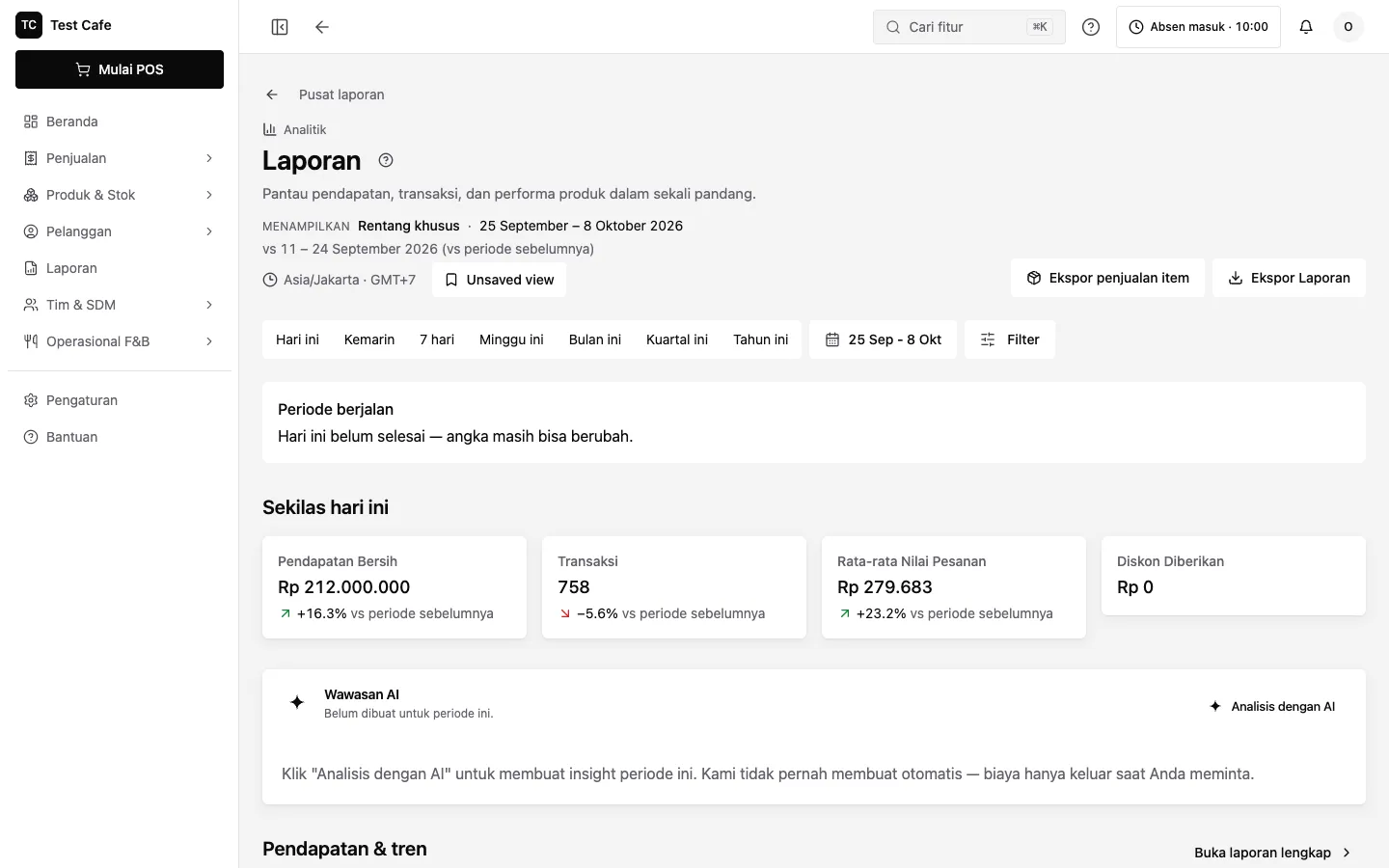
Every sale reaches your reports, stock and other outlets moments later.
Same account, same data
Log in as usual. Nothing to migrate, and the browser app keeps working alongside it.
Connect a Bluetooth receipt printer.
Sansflow prints to 58 mm and 80 mm thermal printers, the small receipt printers most shops already use. Over Bluetooth there are no cables and no drivers.
- 01
Switch the printer on
Keep it close to the device you sell on.
- 02
Open Printer Settings
In Sansflow, go to Settings, then Printer Settings, and tap Connect Printer.
- 03
Pick your printer
Choose it from the list your browser shows. The status changes to Connected.
- 04
Print a test receipt
Tap Test Print. Leave Auto Print After Transaction on and every sale prints on its own.
Bluetooth printing works in Chrome or Edge on Android, Windows and Mac, not on iPad or iPhone. The Android app also prints to USB and network printers. Which printers work
Wi-Fi drops? Keep taking orders.
If the connection goes, the till keeps selling. Cash, QRIS and card or transfer sales and open bills are saved on the device and sync as soon as you are back online, in the browser and in the Android app. Pay later (invoice), gift cards and vouchers need a connection.
Saved on the device
Sales and open bills keep going into the till while you are offline.
Synced when you are back
Everything lands in reports and on the other screens automatically.
Download questions.
Stuck on a step? Talk to us and we’ll walk you through it.
Not yet. The Android app is a beta you download from sansflow.com while the Google Play listing is finished. On iPad, iPhone, Windows and Mac, Sansflow runs in the browser and installs from it, so there is nothing to find in a store.
The Android app needs Android 7.0 or newer and is a 5.1 MB download. That covers almost every Android tablet and phone made since 2016. In the browser, any Android device with an up-to-date Chrome works.
Android shows that warning for every app installed from outside Google Play. Download Sansflow only from sansflow.com, tap Download anyway, then allow the install from Chrome once.
Yes. It is one account: log in with the same email on the app, in the browser and on every other device, and you see the same products, sales and reports. Nothing to migrate.
If the connection goes, the till keeps selling. Cash, QRIS and card or transfer sales and open bills are saved on the device and sync as soon as you are back online, in the browser and in the Android app. Pay later (invoice), gift cards and vouchers need a connection.