Payments
Get paidevery way they pay.
Cash, QRIS, card, bank transfer or an invoice for later, on one checkout. The money goes to your own account, and Sansflow takes nothing from a sale.
- Five ways to pay, one screen
- Rp 0 per sale from Sansflow
- Money straight to your account
- Every rupiah counted at shift close
Try the checkout
Pick how they pay.
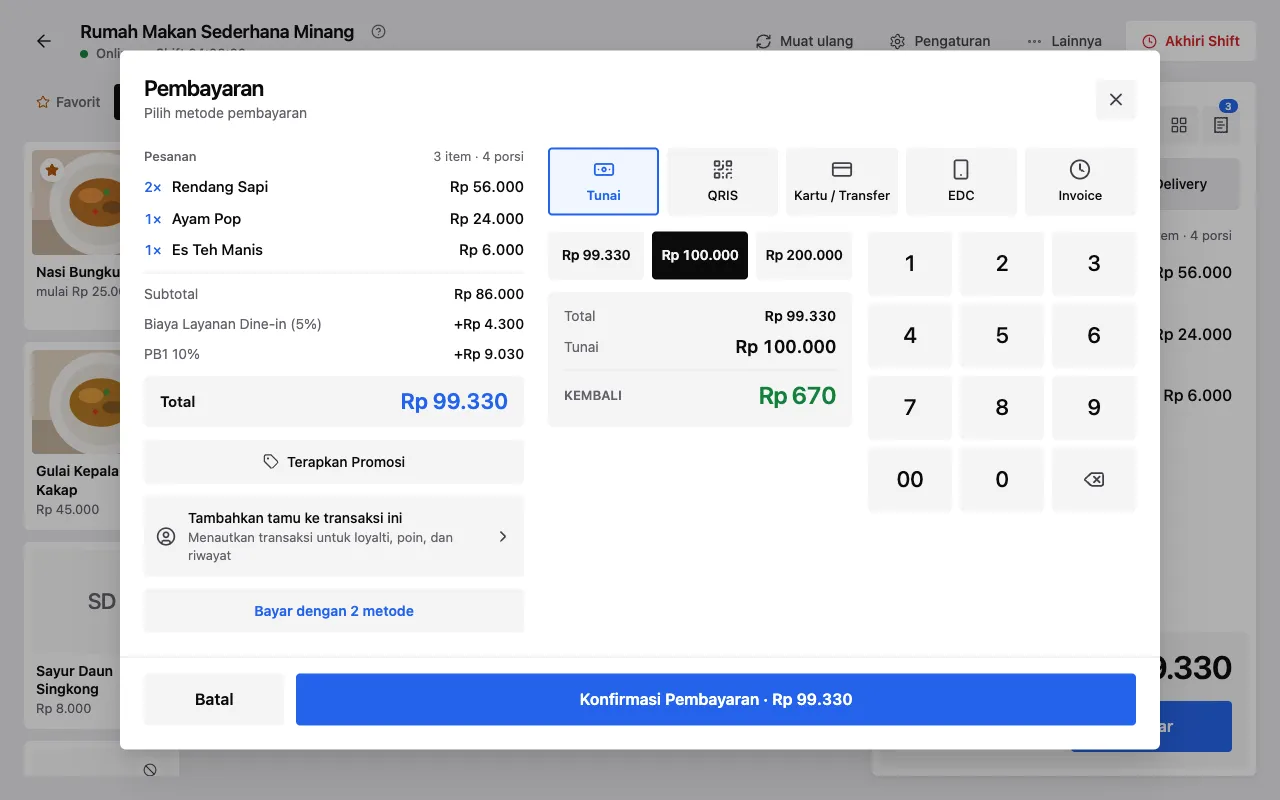
Choose a method and take the payment. Each one lands in the shift on the right, and at closing the drawer is counted against it.
Every way to pay, recorded the same way.
Each sale stores how it was paid, so the shift, the payment report and the drawer agree.
Cash
Quick amounts for the notes people hand over, and the change worked out. Cash counts into the drawer for the shift.
QRIS
Use the QRIS you already have from your bank or provider. The customer scans it, the money goes to your account, and the cashier confirms it arrived.
Card and bank transfer
Record a card or a transfer with its reference or the last 4 digits, so you can find it again when the bank statement comes in.
EDC
On Sansflow Premium: charge on your bank’s EDC machine, then pick the bank and note the last 4 digits. Reports split EDC by bank.
Invoice, pay later
Let a registered customer pay later: the sale becomes an invoice with a due date, and you mark it paid when the money comes in.
A fee per method
If your bank charges a fee on a method, such as card MDR, add it as a charge on that method and it shows on the bill.
QRIS
Your QRIS, your money.
Upload your own QRIS once. With a customer display it shows there with the amount, and the screen turns to “Payment successful” when the cashier confirms.
See the customer display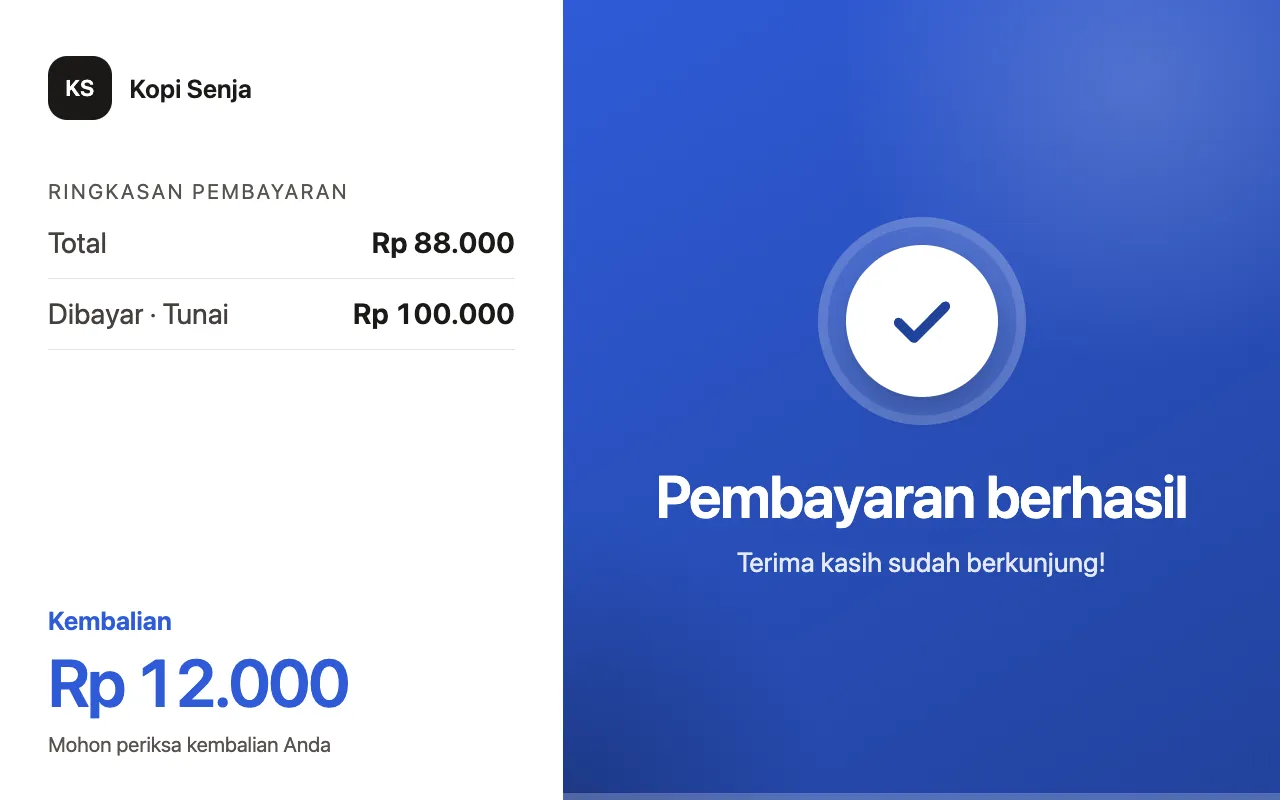
Shift close
Count the drawer, not the receipts.
Every shift starts with its opening cash. At closing the cashier counts the drawer and Sansflow shows what should be there, what was counted and the difference, by cashier.
See team and shifts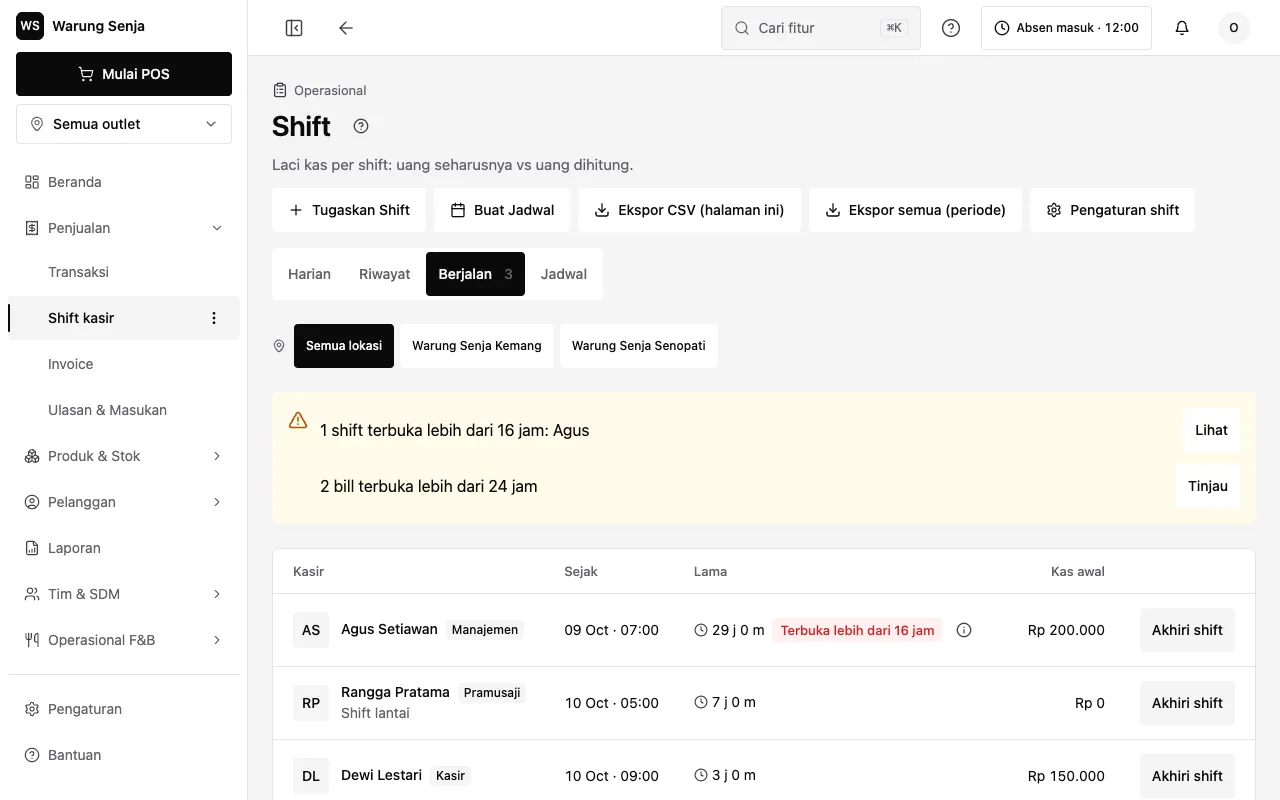
Reports
See how you got paid.
The payment report splits every method and bank: totals, refunds, net and the share of each, for any day or range. Export it as CSV for your accountant.
See reports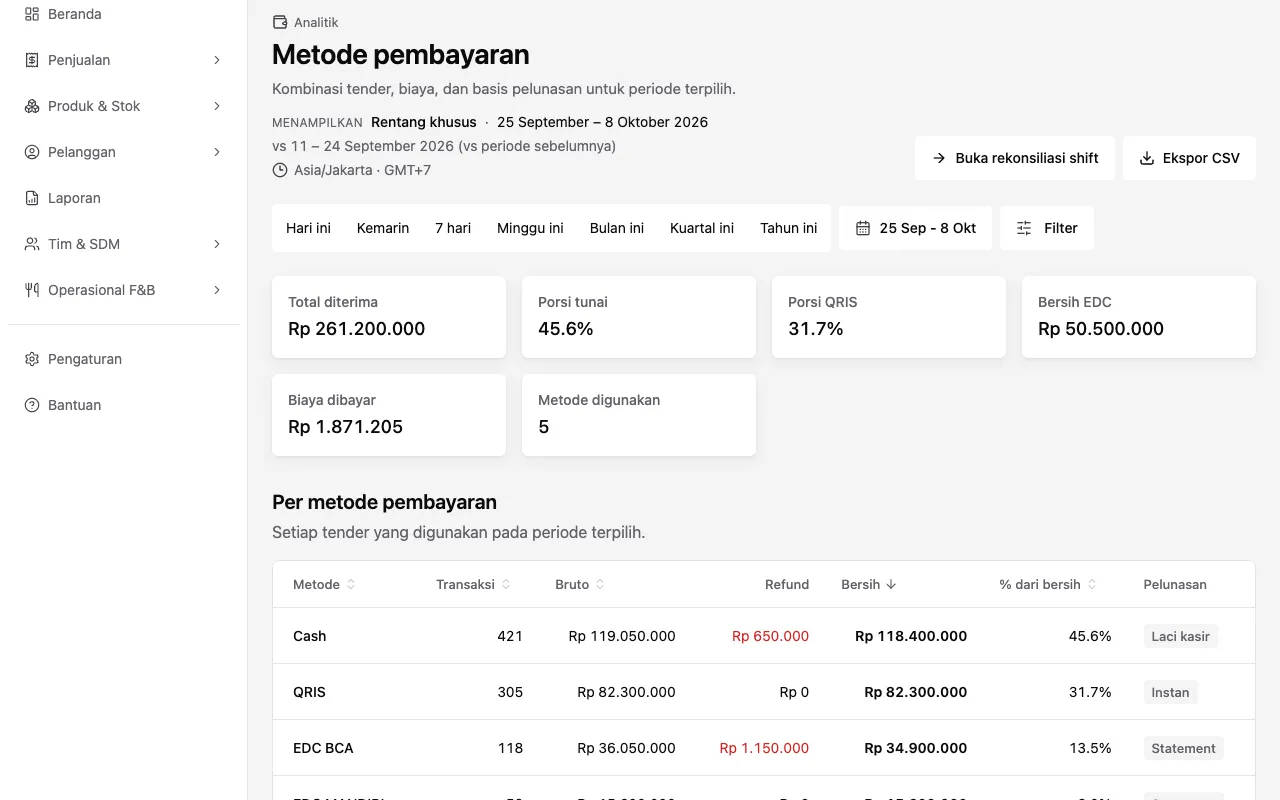
Offline
The internet drops. Sales don’t.
In the browser and the Android app alike, cash, QRIS and card sales are saved on the device and sync when you are back online. Only invoices need a connection.
Download the app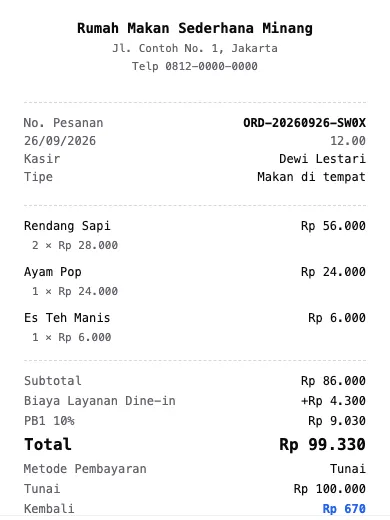
Never per sale
Rp 0 per sale.On every plan.
Cash, QRIS, card and transfer are on Sansflow Free at Rp 0. Sansflow Plus is Rp 296.000 per outlet a month, with the per-shift recap and cash-flow report; Sansflow Premium, Rp 508.000, adds EDC and split bill. Sansflow never takes a cut of a sale; your bank or QRIS provider charges only what your agreement with them says.
See pricingPayment questions, answered.
Anything else? Book a demo and ask us on the call.
No. Sansflow charges one price per outlet, from Rp 0 on Free, and takes nothing from a sale. Your bank or QRIS provider may charge its own fee (MDR) under your agreement with them; that is between you and them.
You use the QRIS you already have from your bank or payment provider and upload it once. The customer scans it, the money goes straight to your account, and the cashier confirms in Sansflow once it has arrived. Sansflow never holds the money.
Yes. Record a card or bank transfer on any plan. On Sansflow Premium you can also take EDC payments: charge on your bank’s EDC machine, then note the bank and the last 4 digits so reports split EDC by bank.
Yes, with an invoice. Pick a registered customer and a due date; the sale becomes an invoice you mark as paid when the money comes in. Creating an invoice needs an internet connection.
Each shift starts with its opening cash. When the cashier closes it, they count the drawer and Sansflow shows the expected cash, the counted cash and the difference. The per-shift transaction recap and cash-flow report are on Sansflow Plus.
Yes, on Sansflow Premium: split one bill between guests, together with EDC payments.